Digital Products · 6 min read
Digital Products to Sell Without Building a Course: 7 Practical Formats
Turn a repeatable task into a useful download, template, or toolkit—without recording lessons.
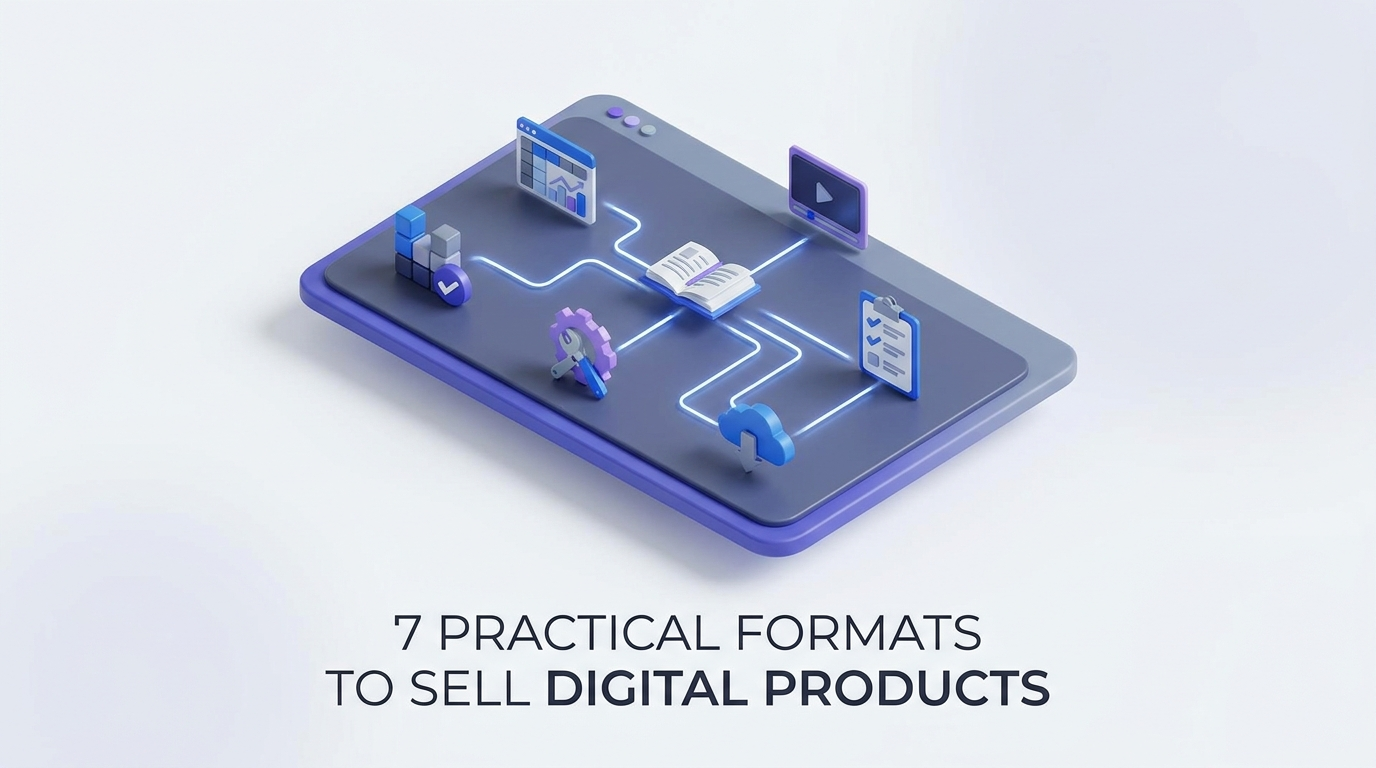
Finding digital products to sell starts with a smaller question than “What could I teach?” Ask instead: “What task could I make easier?” Buyers may not need a curriculum. They may need a spreadsheet that organizes expenses, a questionnaire that collects project details, or a template that removes formatting work.
These products can suit a faceless business because the deliverable—not your on-camera presence—demonstrates the value. Here are seven formats you can build around a specific task, plus a practical way to choose and test one.
Key takeaways
- Sell a completed task or useful shortcut, not a vague promise of transformation.
- Choose a format that matches the work: templates for setup, trackers for calculations, and checklists for consistency.
- Include a filled-in example, clear instructions, and compatibility details.
- Test one narrow product before expanding it into a bundle.
- Use previews and screen recordings to demonstrate value without showing your face.
7 practical digital products to sell without a course
1. Templates that eliminate setup work
Templates give buyers a structure they can adapt instead of building from scratch. They work best when the buyer already understands the task but dislikes the blank page.
Example: A proposal template for freelance podcast editors, with sections for episode volume, revision limits, turnaround time, and payment terms.
Package it with:
- An editable master file.
- A completed fictional example, clearly labeled.
- Brief instructions explaining what to replace.
- A compatibility note identifying the required software.
Avoid positioning it as a template “for every business.” A narrower use case lets you include better defaults. The Creator Media Kit, for example, uses a six-page format for presenting a creator to potential brand partners.
Quality check: Can someone customize the template without accidentally changing its structure?
2. Spreadsheets and calculators
Spreadsheets are useful when buyers need to organize inputs, compare scenarios, or perform repeatable calculations.
Example: A project-pricing worksheet for freelance designers that combines estimated hours, contractor costs, software expenses, and a contingency allowance.
Separate input cells from formula cells, and include a sample project. Explain the assumptions behind each calculation so buyers understand the output rather than treating it as an authoritative answer.
The Freelance Finance Tracker illustrates another focused use case: organizing income, expenses, and tax set-asides in one sheet.
Quality check: Test blanks, zero values, unusually large inputs, and copied rows. Financial tools should clarify that estimates are not personalized tax or financial advice.
3. Checklists and standard operating procedures
A checklist helps someone avoid omissions. A standard operating procedure (SOP) explains how to complete the task. Pair them when a process needs both consistency and instructions.
Example: A newsletter pre-send kit covering link checks, subject-line review, mobile previews, audience selection, and a final test email.
Include:
- A one-page execution checklist.
- A short SOP with steps in working order.
- Clear completion criteria for each step.
- A troubleshooting section for common mistakes.
Specificity matters. “Check your links” is weak; “Open every link in the test email and confirm the destination matches the surrounding text” is actionable.
Quality check: Ask a tester unfamiliar with your process to follow it without verbal help. Revise wherever they stop to ask questions.
4. AI prompt systems
A prompt product should do more than collect clever instructions. Its value comes from organizing a repeatable workflow with useful inputs, output requirements, and review steps.
Example: A customer-support drafting system for a small software business, organized around billing questions, setup problems, and feature requests.
Each prompt should specify:
- What information the user needs to supply.
- What the AI should produce.
- What it must not invent or assume.
- How a human should check the response.
For a publishing example, Prompt Studio for Newsletters organizes 120 prompts by issue stage. That structure helps users choose a prompt based on the work in front of them.
Quality check: Test with incomplete inputs and require clarification when facts are missing. Use dummy data in examples, not private customer information.
5. Design asset packs
Design packs help buyers produce consistent visual materials without designing every element individually. Useful formats include slide layouts, social graphics, icons, and document styles.
Example: A carousel layout pack for independent consultants, with structures for comparisons, process breakdowns, mistakes, and frequently asked questions.
Package assets as a coherent system. Include typography guidance, spacing rules, editable components, and examples with realistic text lengths.
State whether fonts, photos, or other assets require separate licenses. Explain what buyers can create with the pack and whether redistribution of the source files is prohibited.
Quality check: Replace sample copy with longer headings and shorter paragraphs. A layout that works only with your exact wording is difficult to reuse.
6. Curated research directories
A directory saves buyers the work of finding and comparing relevant options. Its value is selection and context, not simply the number of entries.
Example: A directory of podcast guest-submission pages for authors in a specific genre, organized by topic fit, submission process, and available contact information.
Include a source link, a last-checked date, and a short explanation of why each entry belongs. Make the directory searchable or filterable when those features help buyers act on it.
Use information you have permission to distribute, and do not imply that inclusion guarantees acceptance or a response.
Quality check: Verify entries before release and publish a clear update policy. Avoid promising lifetime updates unless you can support that commitment.
7. Task-specific implementation kits
A kit combines complementary files around one job. Unlike a course, it equips the buyer to execute rather than asking them to complete a sequence of lessons.
Example: A client-offboarding kit for freelance writers containing a handover checklist, final-delivery email, feedback questionnaire, and portfolio-permission request.
Every component should serve the same task. Add a “start here” page showing when to use each file and what needs customization.
Quality check: Remove any asset that does not help complete the core workflow. A focused kit is easier to explain and maintain than a large bundle of loosely related downloads.
How to choose and validate your first format
Start with a problem you can observe
Look for repeated questions in customer emails, client conversations, or relevant communities. Record the task, the current workaround, and where people get stuck.
Then write one sentence: “This product helps [specific buyer] complete [specific task] using [format].” If you need several paragraphs to explain it, narrow the scope.
Test the smallest useful version
Build one working sample rather than the entire bundle. Ask prospective users to complete the task with it. Observe where they hesitate, what they edit, and what remains unfinished.
Ask what they currently use and what would make switching worthwhile. Positive comments alone do not establish willingness to pay. A small paid pilot can provide stronger evidence, provided you clearly describe what is included and when it will be delivered.
Package for an independent buyer
Your listing should show the actual files, supported tools, intended user, and limitations. Include screenshots, a sample output, and a short written walkthrough or screen recording.
Set a price you can explain through scope, usefulness, and support requirements—not invented earnings potential. Define access, licensing, updates, and support before launch.
Build a useful shortcut, not a smaller course
The strongest starting point is a task you understand well enough to simplify. Choose one buyer, one workflow, and one deliverable. Make it usable without your live guidance, then expand only when feedback reveals a related need.
If you want concrete examples before building, explore the focused templates, trackers, and prompt systems linked above. Use them to assess what clear scope and practical packaging look like, then develop an original product around your own audience’s needs.
- #digital products
- #faceless business
- #product creation
- #creator tools
- #side hustles